
Starting from the Basics: MCP
Before we get to the "Admin" part, let's make sure the foundation is clear. MCP — the Model Context Protocol — is an open standard for connecting AI models to external tools and data sources. It defines a structured way for an AI agent to discover what operations are available, invoke them with validated inputs, and receive structured results back.
Without MCP, connecting an AI agent to your systems means writing one-off integrations, managing authentication in prompts, and hoping the model formats its API calls correctly. With MCP, the model declares what it wants to do, the server validates the request, executes it safely, and returns structured data the model can reason about.
MCP servers expose two main primitives:
- Resources — read-only data the agent can inspect (like a dashboard stats endpoint)
- Tools — actions the agent can perform (like publishing a post or approving a comment)
So What Makes an MCP Server "Admin"?
An Admin MCP is an MCP server that exposes privileged, internal operations — the kind of things that would normally live behind an admin panel or internal dashboard. It's the backend equivalent of giving someone admin access, but instead of a web UI with forms and buttons, the interface is a set of structured tool definitions that any MCP-compatible AI client can invoke.
Where a traditional admin panel says "click here to publish a post" or "fill in this form to create a service alert," an Admin MCP says: here's a publish_posts tool, here's a create_alert tool. The AI agent figures out when and how to call them based on natural language instructions.
The Key Distinction: Public vs Admin
A Public MCP exposes read-only data to the world — transit schedules, product catalogues, weather data. No authentication needed, anyone can query it.
An Admin MCP exposes read and write operations behind authentication. It's for operators, not end users. Different trust model, different access controls, different deployment.
You can — and often should — have both. Same underlying data, different tool surfaces.
What Can an Admin MCP Actually Do?
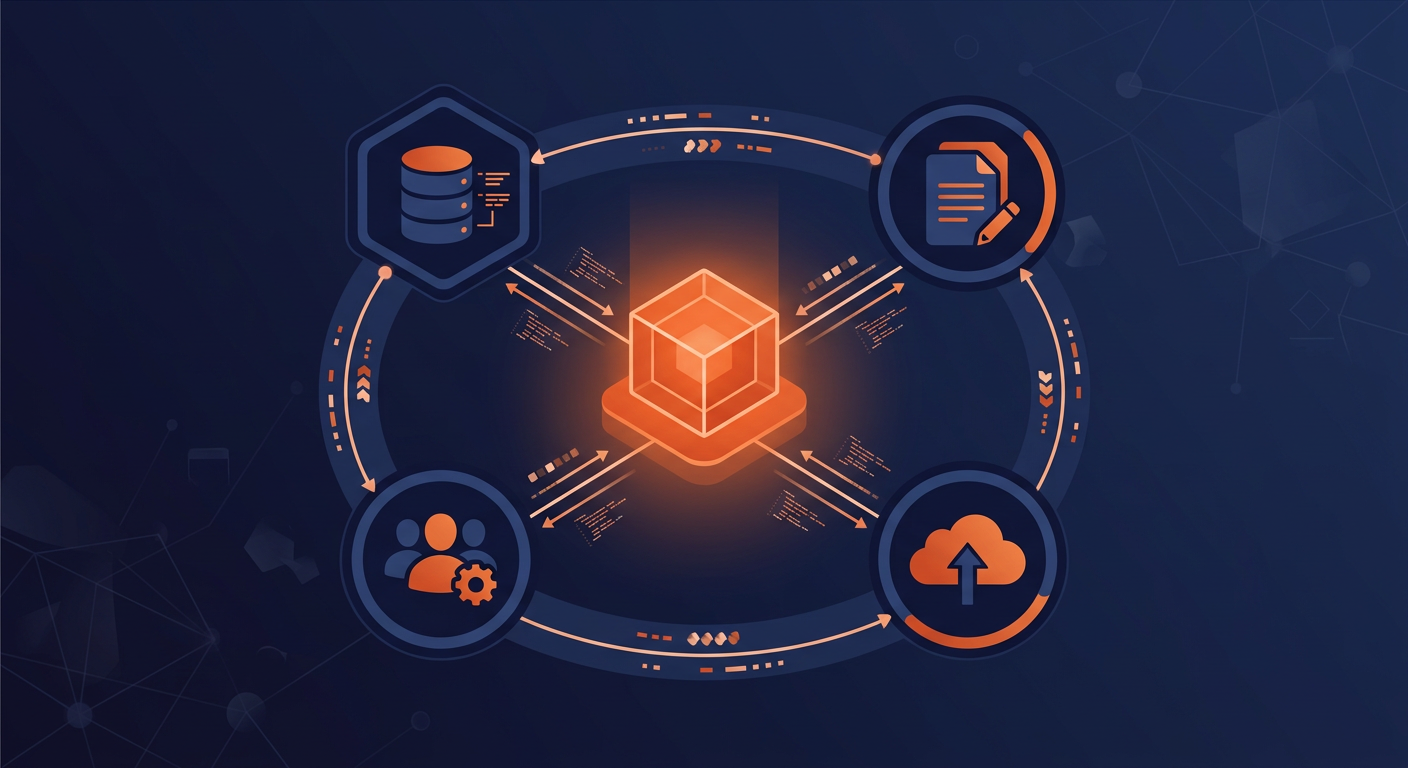
Anything your admin panel does today, an Admin MCP can handle through tool definitions:
Content Management
Create, publish, archive, and moderate content. Manage tags, categories, and metadata. Bulk operations via a single natural language instruction instead of clicking through table rows.
Database Operations
Run queries, generate reports, manage schemas, monitor performance. The agent becomes a database operator without needing shell access.
User & Access Management
Create accounts, assign roles, review permissions, audit access patterns. Role changes that would take three clicks in a dashboard become a single sentence.
Infrastructure & Deployment
Trigger builds, manage configuration, monitor system health, rotate secrets. Operations tasks handled through the same conversational interface your team already uses.
A Concrete Example
Here's what the Admin MCP for a blog platform looks like in practice. The public API handles reading published posts. The Admin MCP handles everything an editor or admin would normally do through a dashboard:
import { McpServer } from "@modelcontextprotocol/sdk/server/mcp.js";
import { z } from "zod";
import { bulkUpdatePostStatus, moderateComments,
         getAdminDashboardStats, createPost } from "../data/posts.js";

const server = new McpServer({ name: "blog-admin", version: "1.0.0" });

// Resources — read-only data the agent can inspect
server.resource("dashboard-stats", "admin://dashboard/stats", async (uri) => ({
  contents: [{
    uri: uri.href,
    mimeType: "application/json",
    text: JSON.stringify(await getAdminDashboardStats()),
  }],
}));

// Tools — actions the agent can perform
server.tool(
  "publish-posts",
  "Publish one or more draft posts by their IDs",
  { postIds: z.array(z.number()).min(1) },
  async ({ postIds }) => {
    const result = await bulkUpdatePostStatus(postIds, "PUBLISHED");
    return {
      content: [{ type: "text", text: `Published ${result.count} post(s).` }],
    };
  }
);

server.tool(
  "moderate-comments",
  "Approve or reject comments by their IDs",
  {
    commentIds: z.array(z.number()).min(1),
    approved: z.boolean(),
  },
  async ({ commentIds, approved }) => {
    const result = await moderateComments(commentIds, approved);
    return {
      content: [{
        type: "text",
        text: `${approved ? "Approved" : "Rejected"} ${result.count} comment(s).`,
      }],
    };
  }
);
No forms. No table views. No media uploader components. The tool descriptions are the interface. An operator opens their AI client and says: "Show me the dashboard stats, approve all pending comments on post 42, and publish posts 15, 16, and 17." — and the agent handles it.
The Dual MCP Architecture
The most common pattern separates your MCP surface into two servers:
- Public MCP — unauthenticated, read-only. Exposes data that's already public. Any AI assistant can connect and query. Zero credentials needed.
- Admin MCP — authenticated, read-write. Exposes privileged operations behind OAuth 2.1. Only authorised operators can invoke tools.
Both servers share the same data layer — same database models, same query logic. The difference is in what operations are exposed and who can call them.
Public clients ──→ Public MCP (read-only) ──→ DB Read Replica
                                                     │
Admin agents  ──→ Admin MCP (read/write)  ──→ DB Primary ←──┘
The public server connects to a read replica; the admin server connects to the primary database. Separate deployments, separate scaling, separate failure domains.
How It Differs from a Traditional Admin Panel
This is where the concept starts to have real implications for how backends get built:
| Traditional Admin Panel | Admin MCP | |
|---|---|---|
| Interface | Web UI with forms, tables, buttons | Structured tool definitions invoked by AI clients |
| Auth model | Sessions, cookies, CSRF tokens | Short-lived JWT tokens with role claims |
| Multi-step ops | Multiple screens/clicks | One natural language instruction |
| Audit trail | Varies — often patchy | Every tool invocation logged with identity, params, outcome |
| Frontend cost | Significant — forms, editors, responsive design | None — the AI client is the interface |
| Automation | Requires separate API or scripting layer | Agents can invoke tools directly |
The admin UI is typically the most expensive part of a web application to build and maintain — forms, tables, bulk actions, WYSIWYG editors, media uploaders, role-based views. An Admin MCP replaces that entire layer with tool definitions.
The Security Model
An Admin MCP demands strict security, but the model is different from a traditional admin panel:
- No CSRF to worry about — there are no HTML forms submitting cookies
- Short-lived JWT tokens (15-minute expiry) with role claims
- Per-tool authorisation — not just route-level middleware, but role-based access checks on every tool
- Immutable audit log — every invocation recorded with caller identity, parameters, and outcome
- Database-level enforcement — the public server uses a read-only database role; the admin server uses read-write. Defence in depth.
- Human-in-the-loop for destructive operations — MCP clients like Claude Code already prompt for confirmation before executing tools
// Public server: read-only PostgreSQL role
export const readPool = new Pool({
  connectionString: process.env.DATABASE_URL_READONLY,
});

// Admin server: read-write PostgreSQL role
export const writePool = new Pool({
  connectionString: process.env.DATABASE_URL_READWRITE,
});
Even if a bug in a public tool tried to execute a write query, the database connection would reject it.
The Shared Data Layer
Both your public API and your Admin MCP should import from the same query functions and business logic. This prevents duplication and ensures consistency:
// src/data/posts.ts — shared by both API and Admin MCP
export async function getPublishedPosts(page: number, pageSize: number) {
  return prisma.post.findMany({
    where: { status: PostStatus.PUBLISHED },
    include: { author: true, tags: true },
    orderBy: { publishedAt: "desc" },
    skip: (page - 1) * pageSize,
    take: pageSize,
  });
}

export async function bulkUpdatePostStatus(
  postIds: number[], status: PostStatus
) {
  return prisma.post.updateMany({
    where: { id: { in: postIds } },
    data: {
      status,
      publishedAt: status === PostStatus.PUBLISHED ? new Date() : undefined,
    },
  });
}
The shared data layer is the foundation. Your public API and Admin MCP are just different windows into the same logic — one read-only for end users, one read-write for operators.
Where This Is Heading
An Admin MCP is one piece of a larger shift toward AI-native backend architecture. The idea is straightforward: instead of building interfaces for humans to click through, build structured tool surfaces that AI agents can invoke. The human stays in the loop — they're just working through a more capable interface.
This doesn't replace your existing backend. Your public API, your database, your business logic — all of that stays the same. What changes is the administrative layer: the part that's always been expensive to build, tedious to maintain, and the first thing to fall out of date.
Even if you don't have production agents today, defining your admin operations as MCP tools means you're building the agentic layer your future systems will plug into. The endpoints are ready. The access controls are in place. The audit trail is running. When it's time to add automation, you're starting from a strong foundation.